Student Assessment: How to Access TLC Unit Self-Assessment
Please use a Firefox or Chrome browser.
1. Go to the My VCSU website (https://my.vcsu.edu/). If you see the screen below, click on Student. You will then be directed to the NDUS login screen.
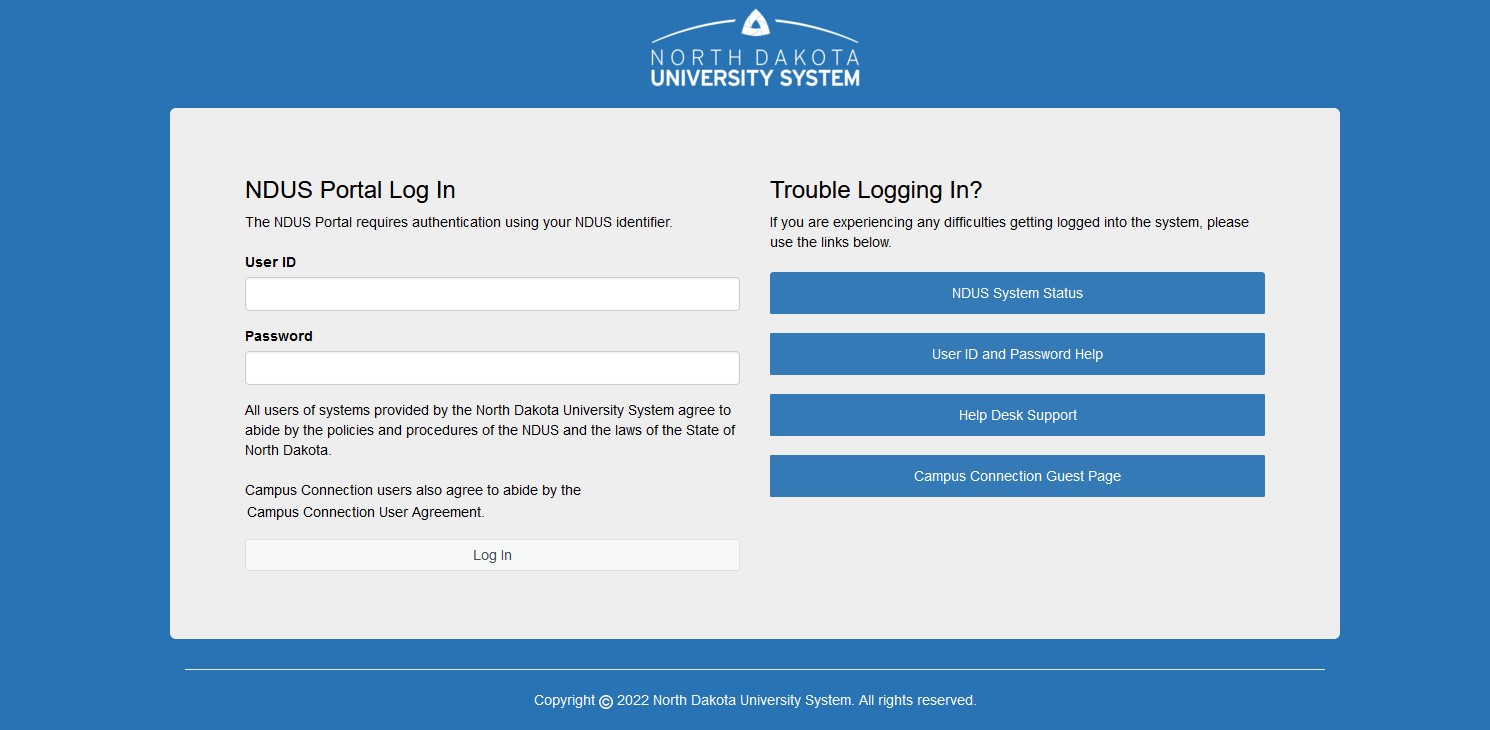
2. Login to the NDUS system:
3. Once you are logged in click on “More Resources” under Campus Resources.

4. Click on Student Assessment under My Web Applications.

*If a student can NOT find the Student Assessment link, please email Dr. Al Olson at al.olson@vcsul.edu or Rachel Bopp at rachel.n.bopp@vcsu.edu. Access will be granted as soon as possible.
Student Assessment: TLC Unit Self-Assessment
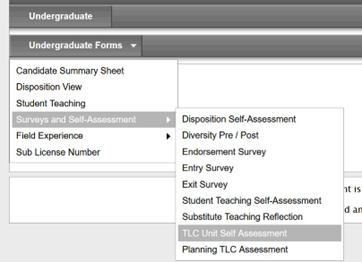
Click on Undergraduate forms>Surveys and Self-Assessment>TLC Unit Self-Assessment
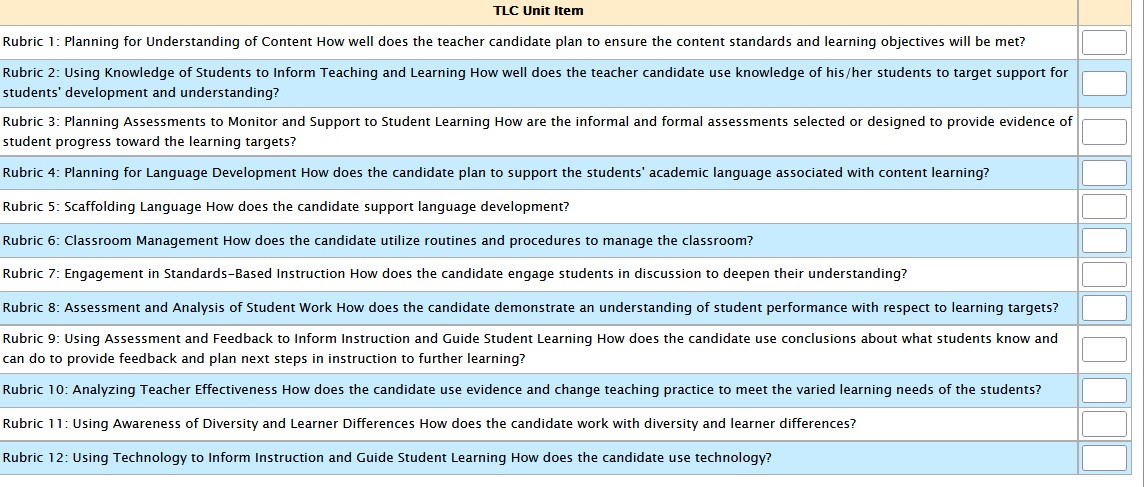
Click Submit and Review Your Responses
