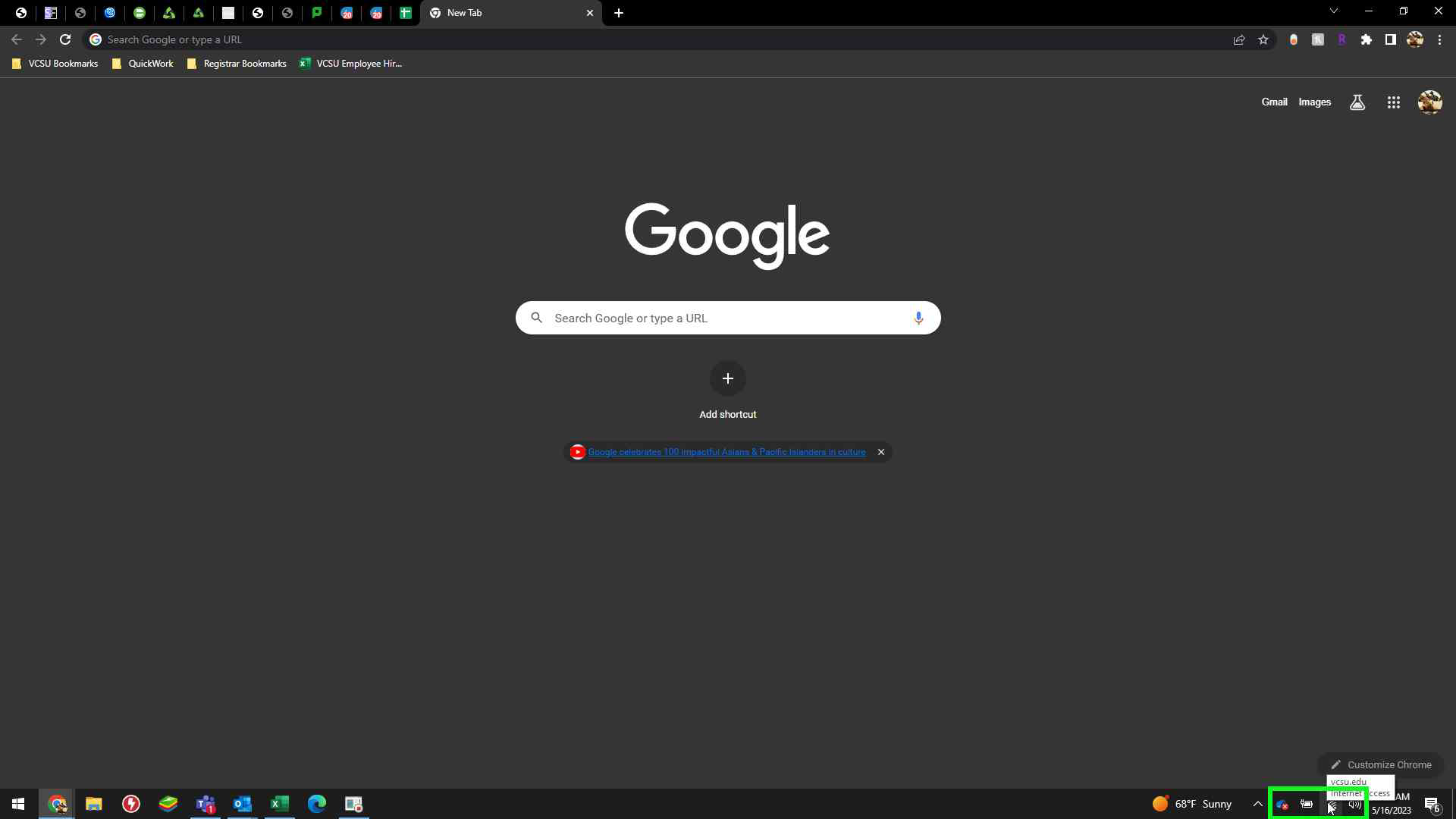
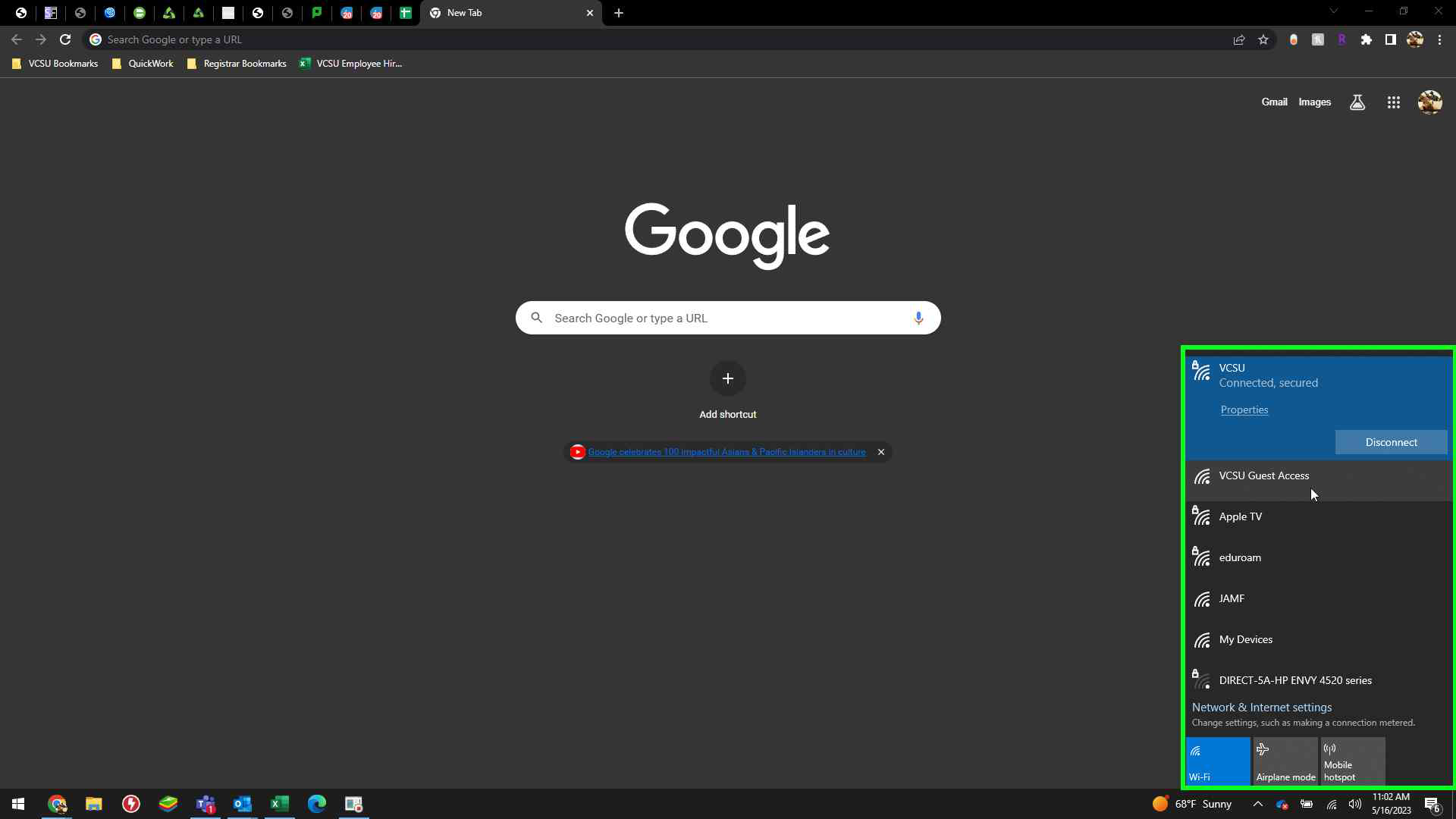
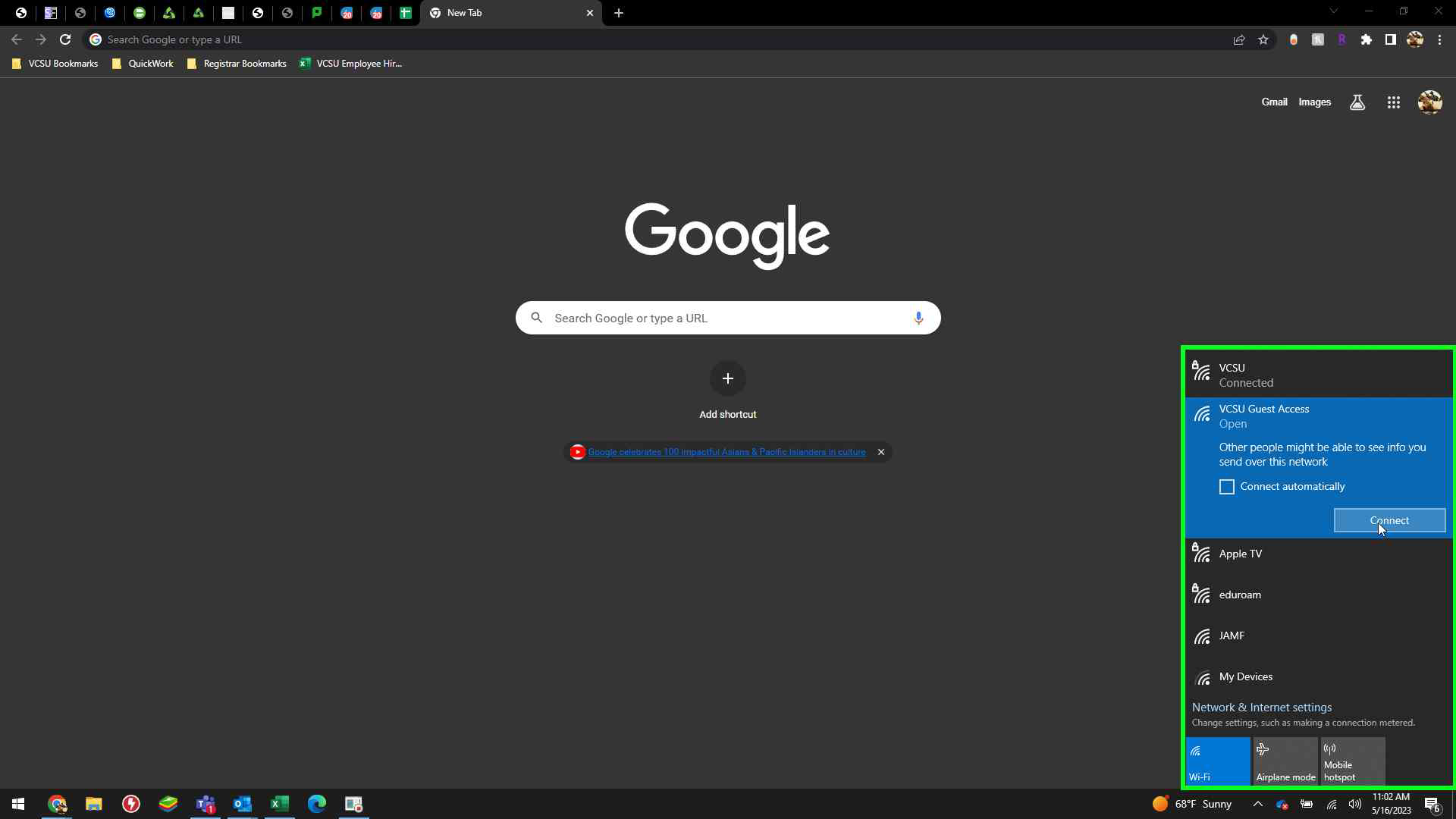
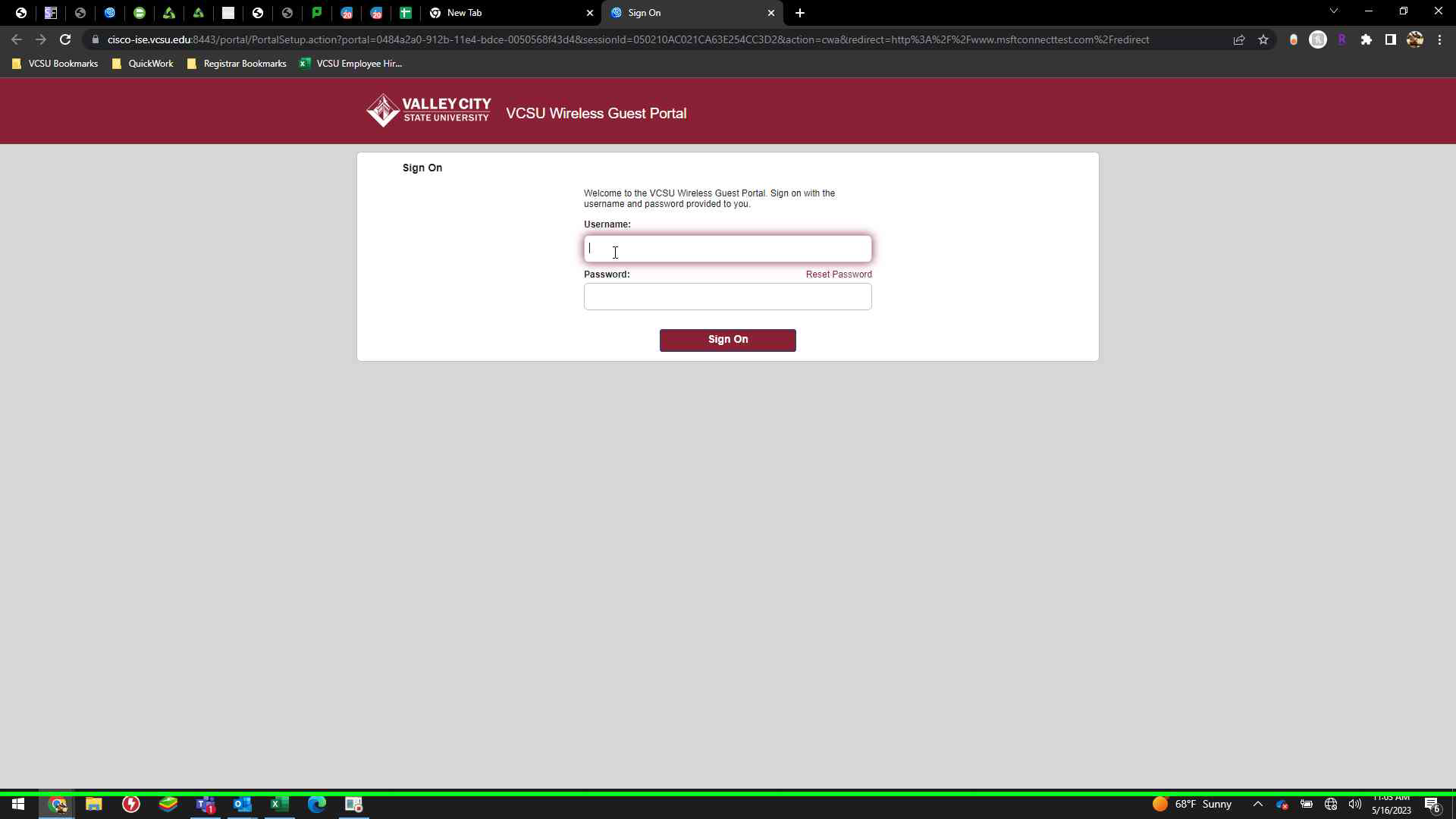
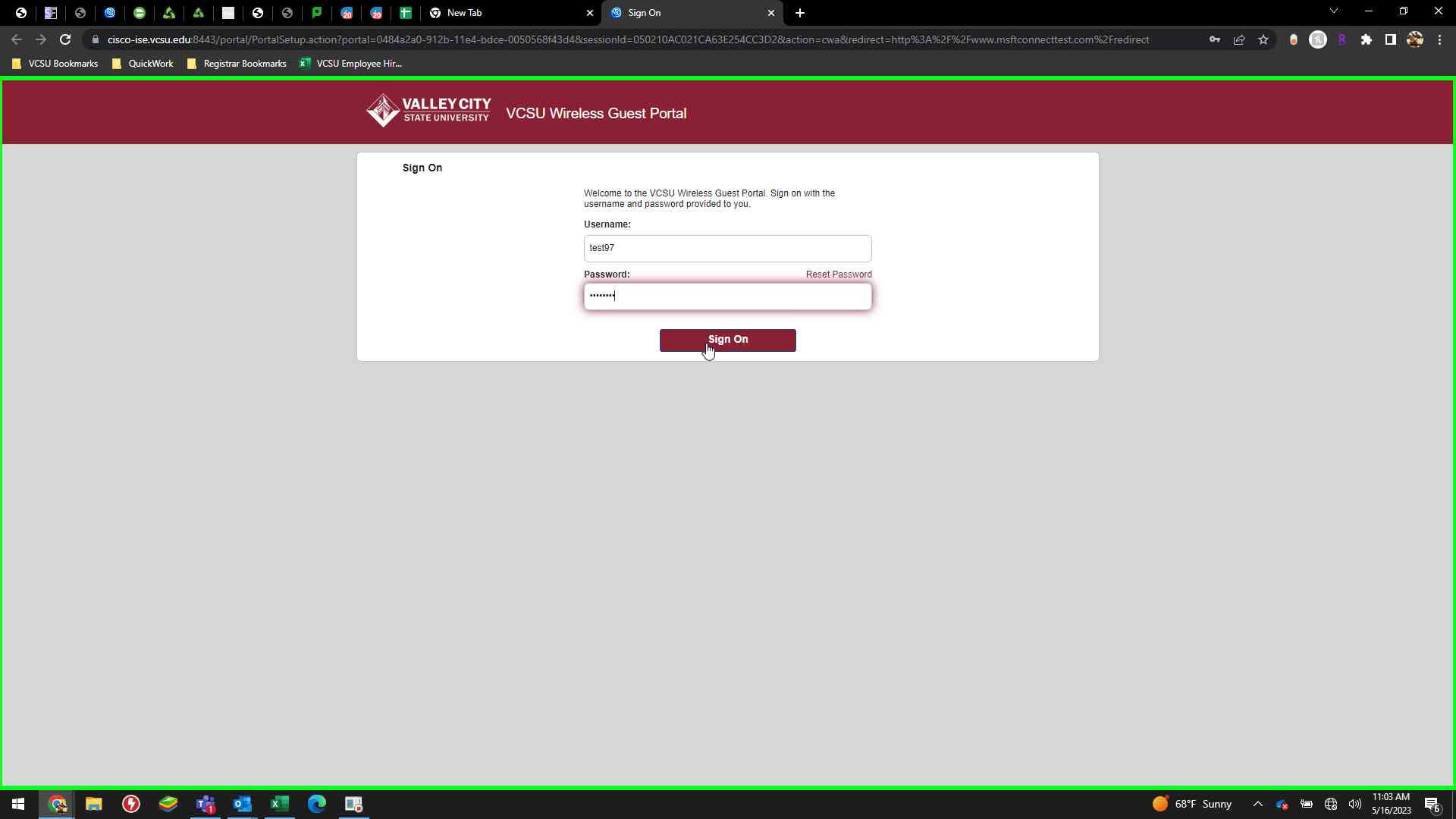
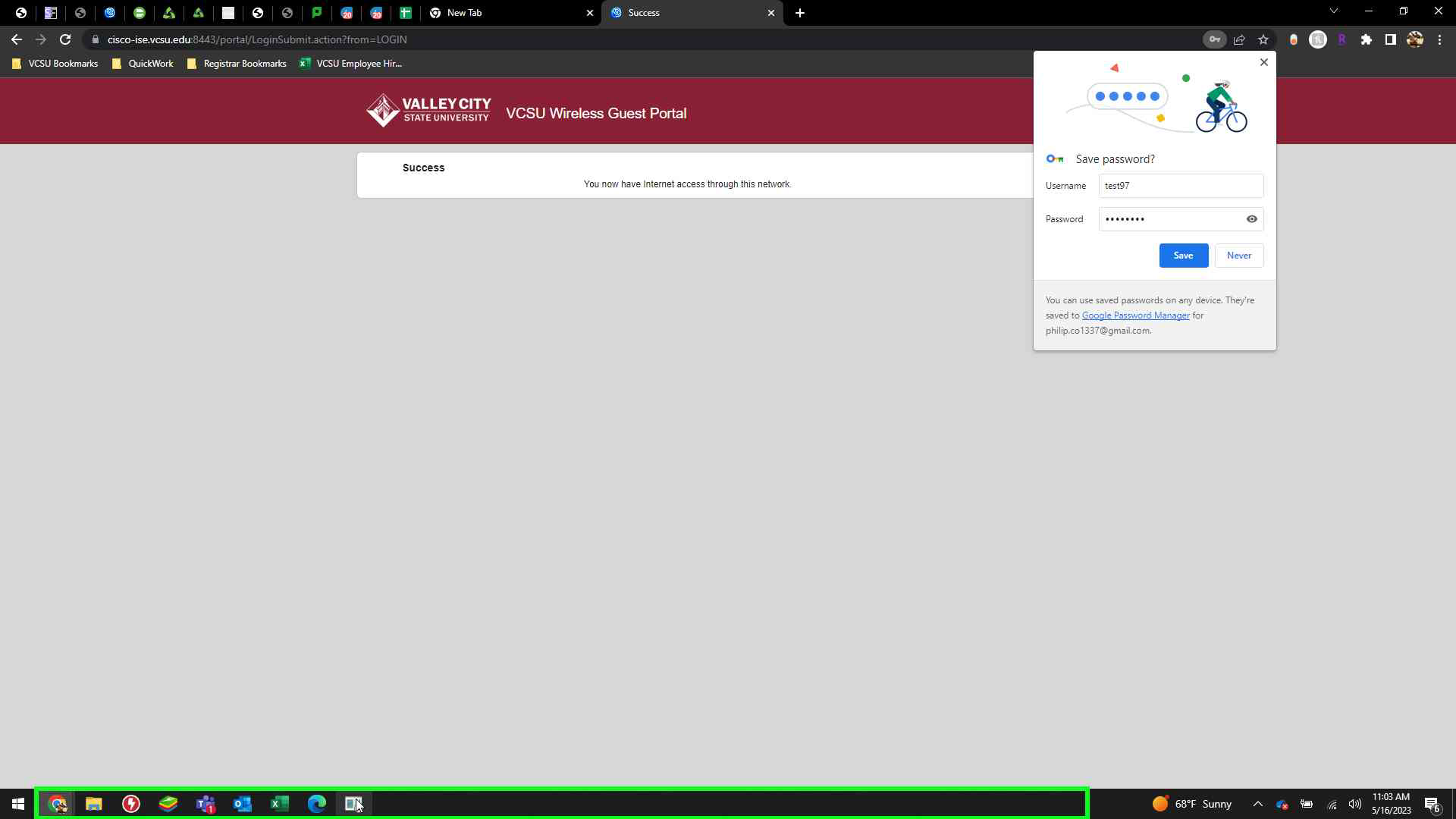
[Windows] How to Connect to Guest Wireless Access Guest wireless is assigned by the VCSU Technology Services Department and select other staff. If you need access, please submit a ticket at https://onestop.vcsu.edu/support/catalog/items/172. Once you have received the usernames and passwords for the guest wireless access, follow the steps below: Left click on Internet access icon in lower right corner. Left click on "VCSU Guest Access" in "Network Connections". Left click on "Connect (button)" in "Network Connections". Input Username and Password provided by your I.T. technician. Left click on "Sign On" icon. You now have Internet access through this network. Try opening a internet browser and navigate to a website.